A potential customer fills in your website form. The page displays “Thank you.” The business assumes the lead is in the CRM. Yet the sales team never sees it, an email notification lands in spam, or the new contact has no assigned owner. By the time somebody discovers the gap, the prospect may already have chosen another supplier.
This is not always a website-design problem. Often it is a broken handoff between your forms, automation tools, CRM, sales inboxes and follow-up process. More traffic will not repair a lead-handling workflow that is unreliable after submission.
The solution is a CRM lead automation system that verifies every important step: capture, record creation, duplicate handling, ownership, notification, follow-up and reporting. The objective is simple: every legitimate enquiry should become a trackable business action, not another unmonitored email.
Quick answer: what is CRM lead automation?
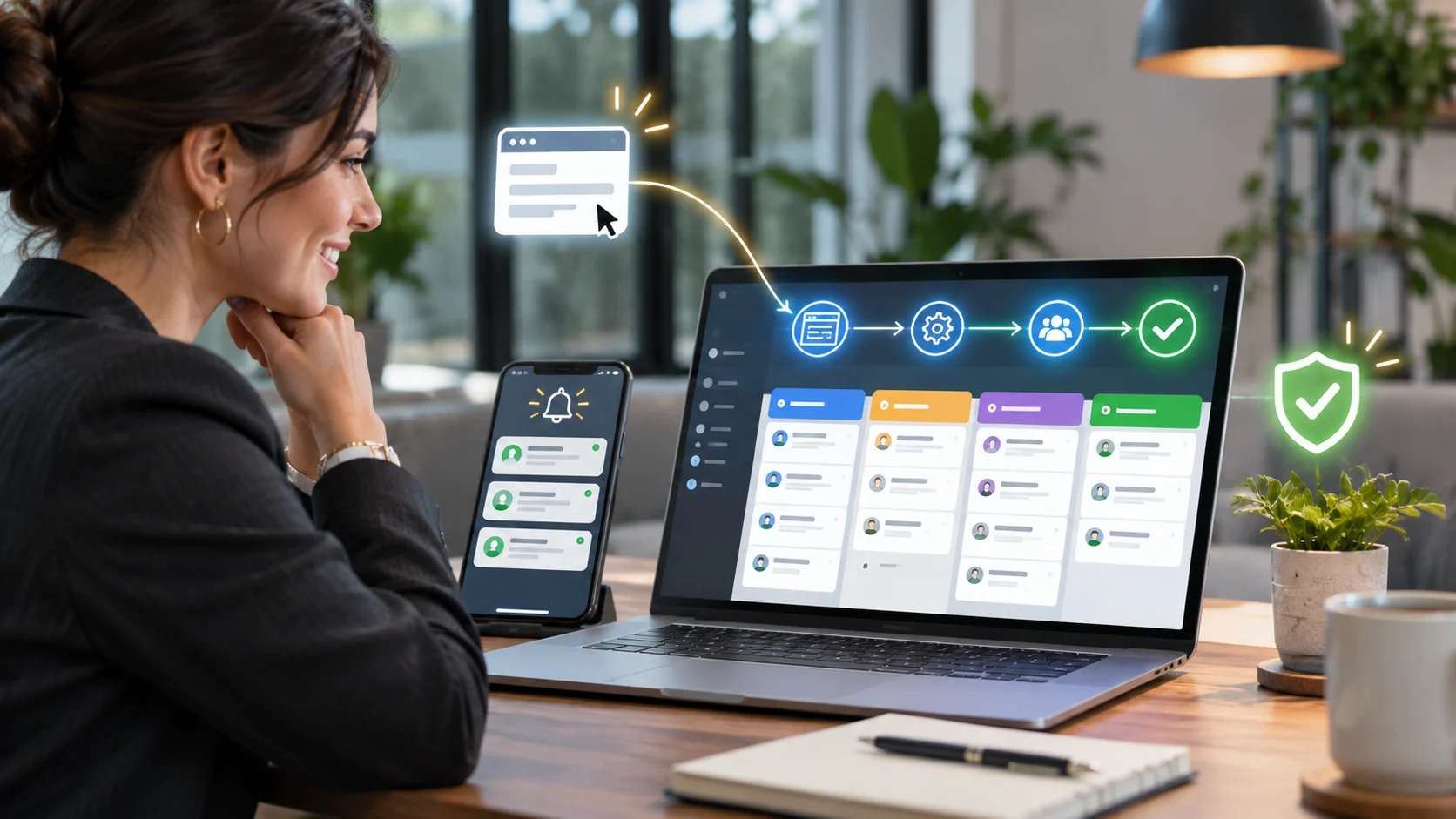
CRM lead automation connects your website or booking channels to your customer relationship management system, applies routing rules, and initiates the next appropriate action. For example, a consultation request can create or update a CRM contact, link it to a deal or enquiry, assign an owner, alert the team and start an approved acknowledgement sequence.
A reliable implementation also records failures, retries recoverable errors and escalates unresolved exceptions. Automation is not successful because a workflow ran once in a test environment; it is successful when teams can prove that real submissions were received, handled correctly and followed up.
The seven places leads disappear
1. The form reports success before the downstream system succeeds
A green success message may only mean the browser sent data to the website. The CRM API can still reject the record later. Check the form entry or server record first, then inspect the integration log and the CRM object independently. Customer-facing confirmation and internal delivery are two different success conditions.
2. Webhooks or connectors stop delivering events
A changed endpoint, unpublished workflow, invalid authentication header, firewall rule or rate limit can interrupt the handoff. In n8n, test and production webhook URLs are different; a workflow that listens during testing is not automatically a published production integration.
3. Mandatory fields and mapping rules silently reject leads
Your website may collect “Full Name” while the CRM requires distinct first and last names; another system may reject an unknown country code, blank company field or invalid pipeline identifier. Map and validate every required destination field before the CRM call, and put failures into an actionable exception queue.
4. Duplicate records obscure new buying intent
A returning prospect may already exist in the CRM. Blindly creating a new record causes duplicate contacts; blindly suppressing duplicates can hide a fresh enquiry. A mature workflow distinguishes the person from the new enquiry and updates the contact while preserving the new request and its timestamp.
5. Nobody owns the enquiry
A contact without an owner may be technically captured but operationally lost. Define routing by service, territory, business unit or team availability, then set a fallback owner if the preferred salesperson is unavailable. Round-robin assignment should be tested for actual access, licensing and exception rules in the chosen CRM.
6. Notifications fire, but follow-up does not happen
Sending a notification is not the same as a lead being worked. The system should create a task or owned next step, record the due time and escalate when the agreed response window is missed. Automated customer acknowledgements must follow permission, consent and messaging rules rather than becoming unsolicited sequences.
7. There is no reconciliation between forms and CRM
Without a periodic reconciliation check, a team may never notice a cluster of missing submissions. Compare eligible form entries with CRM creation/update outcomes, investigate unmatched records and preserve an audit trail without exposing more personal data than necessary.
The lead-loss diagnostic: test the entire journey, not just the form
Use a controlled test enquiry with a unique reference ID and follow it all the way through the stack. Do not use a real customer’s personal information or an unapproved live deal for testing. The fastest path to the root cause is to identify the exact handoff where the reference disappears.
| Checkpoint | Evidence you should find | Failure signal |
|---|---|---|
| Website / form | Stored entry or durable receipt with timestamp and ID | Success message, but no saved entry |
| Workflow intake | Authenticated event and accepted payload | No execution, 401/403, bad endpoint |
| Data validation | Normalized fields and consent flag | Missing mandatory field |
| CRM write | Contact/enquiry ID + success status | 4xx validation, 429 throttling, 5xx |
| Assignment | Named owner and due time | Unassigned or incorrect queue |
| Follow-up | Task or allowed acknowledgement logged | Notification sent but no next step |
| Reconciliation | Daily match between intake and CRM | Unmatched IDs or silent errors |
For example, if the website has 60 genuine enquiries in one month and your audit finds six without an assigned next step, the observed unowned-lead rate is 10%. That is an illustration of the calculation, not an industry benchmark. It does not prove six lost customers, but it identifies a fixable operational risk.
What a reliable CRM lead automation system looks like
A production-ready workflow should be designed as a connected business process rather than a chain of unverified notifications. A practical sequence looks like this:
- Capture: store the form or booking request with a unique event ID and UTC timestamp. The intake endpoint validates origin, payload and consent fields.
- Normalize: standardize required fields, source and campaign attribution, service interest, contact details and country/region values before attempting downstream writes.
- Upsert and preserve enquiry context: search for an existing contact using approved matching rules; create or update the contact, but store every genuine new enquiry as a separate activity or deal where the CRM supports it.
- Route and assign: choose an owner based on service, team and working hours, then apply a defined fallback for exceptions or unavailable team members.
- Acknowledge and follow up: trigger only approved messages, create a due task and monitor whether a human actually acts.
- Observe and recover: log a safe reference ID, failed step, response code and retry status. Escalate records that cannot be delivered automatically.
The right architecture depends on your existing tools. Some businesses can implement the entire workflow inside their CRM. Others need a managed integration, n8n orchestration or a custom middleware layer where complex rules, security and observability require it.
When the usual no-code connection is not enough
An off-the-shelf connector can be perfectly suitable for a simple one-form-to-one-CRM process. The system becomes more demanding when a business has multiple lead sources, different locations, conditional routing, overlapping customer records, approvals, regulatory requirements, custom quoting logic or a need for detailed failure recovery.
At that point, a business needs someone to design data ownership, error handling, retries and support responsibilities. Auto Computation’s business automation solutions cover n8n workflows, forms and CRM connections, custom webhooks, lead routing, notifications and cross-platform data synchronization. The priority is dependable business logic, not adding technology for its own sake.
CTA: If leads are arriving inconsistently, request a Lead Automation Consultation with Auto Computation. Bring your form platform, CRM name, current lead sources and one recent example of a missed handoff. Your team can then scope the exact integration and recovery requirements.
How to decide what should be automated first
Do not attempt to automate everything on day one. Prioritize workflows based on the amount of lost time, commercial importance and reliability risk. A useful first phase is to make sure every enquiry is captured, assigned and acknowledged. Only then consider longer nurturing sequences, scoring, segmentation, account enrichment and reporting dashboards.
| Business situation | Business situation |
|---|---|
| Website forms arrive in email but not CRM | Durable form-to-CRM synchronization with failure alerts |
| Leads arrive but sit unassigned | Service-based routing with fallback ownership |
| Team re-enters details across platforms | Validated CRM/API integration with field mapping |
| Prospects receive slow responses | Owner task + due time + permissible acknowledgment |
| Multiple channels create duplicates | Contact matching while preserving every new enquiry |
| Management cannot verify lead handling | Intake-to-CRM reconciliation and exception dashboard |
What should a business prepare before hiring an automation partner?
You do not need to produce a perfect technical specification. You do need to explain the business process and who owns its outcomes. A useful discovery brief includes:
- Where enquiries originate: website forms, quote requests, booking tools, ad landing pages, chat or third-party platforms.
- Where they should appear: CRM, sales pipeline, helpdesk, internal dashboard or a combination.
- The rules for ownership: geography, service interest, priority, working hours and fallback team.
- The rules for ownership: geography, service interest, priority, working hours and fallback team.
- Known failure examples: missing records, duplicate contacts, wrong routing, delayed notifications or connector errors.
- Privacy and operating constraints: relevant consent, retention policy, access roles and audit requirements.
An engineering partner should translate those facts into a workflow diagram, acceptance tests, exception paths and a deployment checklist before promising an automated solution..
How to measure whether automation is actually working
Measure both delivery and customer outcomes. Website visits and CTA clicks may show interest, but they are not the same as a lead successfully reaching the sales team. A basic scorecard should include:
- Capture completeness: eligible website submissions with a durable intake record.
- CRM delivery completeness: eligible intake records linked to a valid CRM contact/enquiry.
- Assignment coverage: new enquiries with a named owner or documented fallback.
- Time to assignment and first human response: measured from the original submission.
- Exception backlog: failed or delayed records that still need intervention.
- Qualified lead and eventual customer conversion: outcomes taken from the CRM, not inferred from click events.
Targets should be agreed after an initial baseline audit. A business with complicated approval steps may have a different response-time target from a high-volume inbound sales team. The objective is verifiable improvement, not a universal “instant follow-up” claim.
What Auto Computation can build
Auto Computation connects websites, forms, CRMs and operational tools through business automation solutions and custom web development. Depending on your existing stack, the work may include n8n orchestration, webhook and API integrations, CRM synchronization, lead-routing logic, exception handling, automated notifications and related internal dashboards.
The right engagement begins with mapping the current lead journey and identifying where data is lost or ownership breaks down. Some businesses only need to repair a connector and its monitoring. Others require a custom integration because the workflow spans multiple systems and rules.
If your website generates enquiries but your team cannot reliably account for them from first submission through follow-up, request an automation consultation. Share the systems you use and the handoff that is failing, and Auto Computation can discuss an implementation scope that fits your process.
Frequently asked questions
Why are website leads not appearing in my CRM?
Common causes include unpublished or failing workflows, expired API credentials, invalid CRM fields, duplicate handling, permission restrictions and routing conditions. Trace a test lead from its stored form record to the CRM object and assigned owner to identify the exact failure point.
Can I automate lead capture from a WordPress form?
Often yes. WordPress forms can connect to a CRM through the form plugin’s supported integration, authenticated API requests, a webhook or middleware. The correct approach depends on the plugin, CRM, data rules and requirement for reliable error handling.
Is n8n better than Zapier for lead automation?
Neither platform is universally better. n8n offers flexible workflow logic and deployment choices; Zapier may be convenient for supported standard integrations. Compare maintenance, security, connector coverage, volume, operating cost and recovery requirements before deciding.
How do we stop duplicate contacts without losing repeat enquiries?
Separate contact matching from enquiry creation. Identify an existing person where appropriate, then preserve the new service request, source, timestamp and next action so sales activity is not accidentally discarded.
Should every lead get an automatic email or SMS?
Not necessarily. Use acknowledgements and follow-up messages only where they are appropriate and permitted by the relevant consent and messaging requirements. Internal task assignment is often the more important first automation.
How quickly should a new lead be assigned?
Agree a service-level target based on your staff availability, service type and time zones. Measure actual assignment and response times and escalate missed targets rather than assuming every enquiry can receive a live response immediately.
When should we hire an integration specialist?
Consider specialist support when leads repeatedly disappear, multiple systems disagree, routing is complex, manual repairs are common, or the process is commercially significant enough to need monitoring, security and an exception-management plan.
Final CTA: Stop relying on a “form submitted” message as proof your sales pipeline is working. Request a Lead Automation Consultation at https://autocomputation.com/contact-us/ and describe your current website-to-CRM workflow.